Private iCloud sync
On iPhone, iPad, and Apple Watch your library syncs through your own private iCloud — no WatchBar account, and you can switch it off anytime. On Android your data stays on the device, with Export and Import to move it.
One app to generate, scan, organize, automate, and glance at barcodes — on iPhone, iPad, and Apple Watch, and now on Android, with Wear OS coming soon. Here is the full tour, section by section.
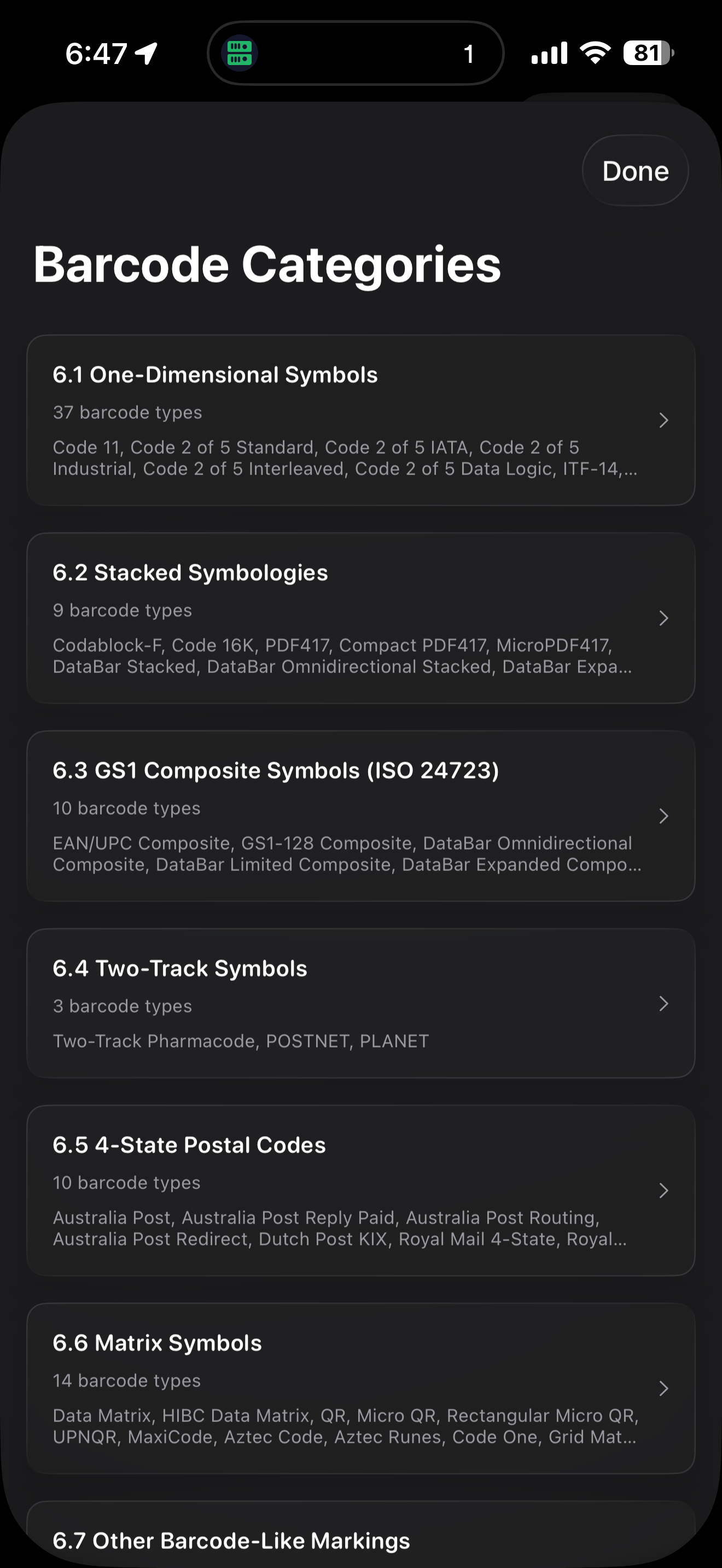
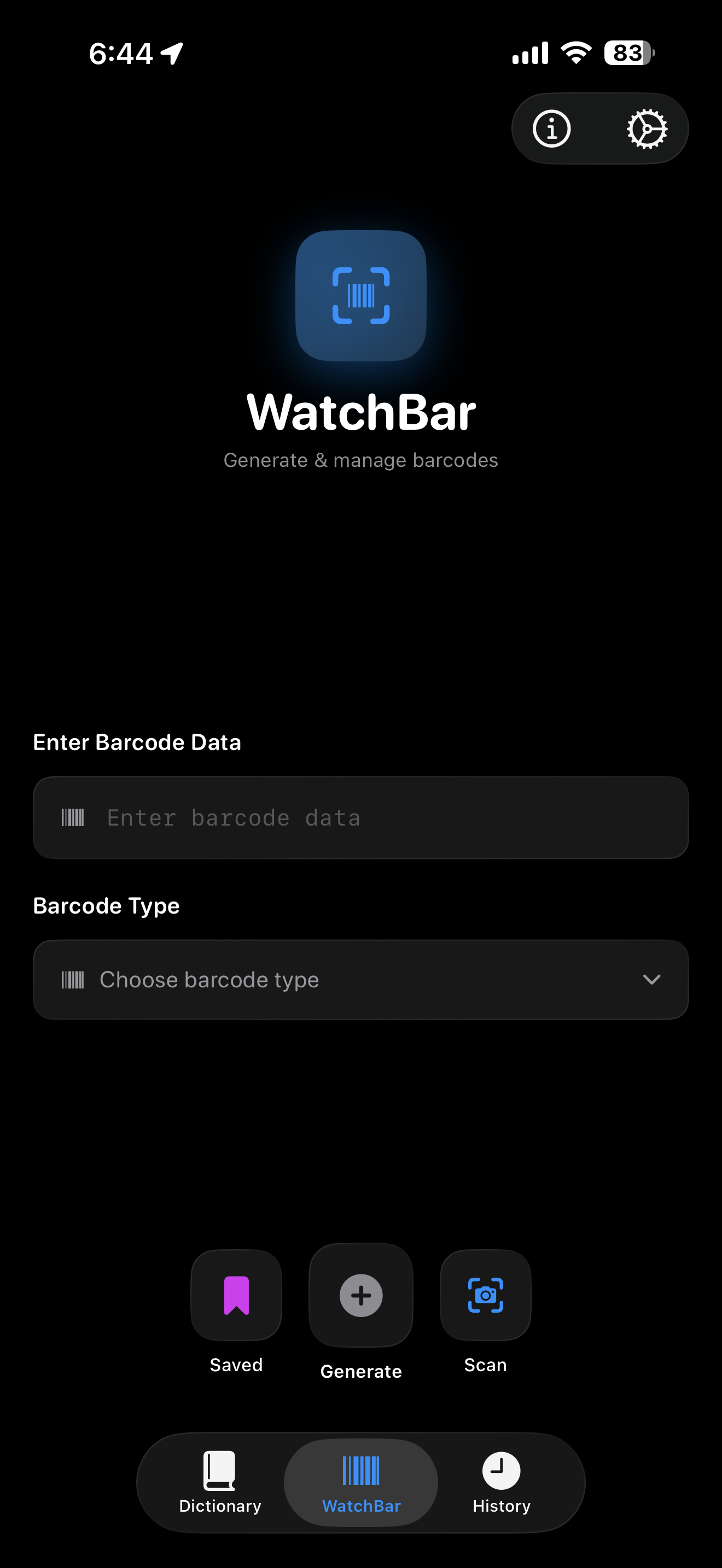
Pick a format, fill in a form, and WatchBar builds the code — no syntax to memorize.
Real-time recognition built on the zxing-cpp engine, with the controls a real scanning session needs.
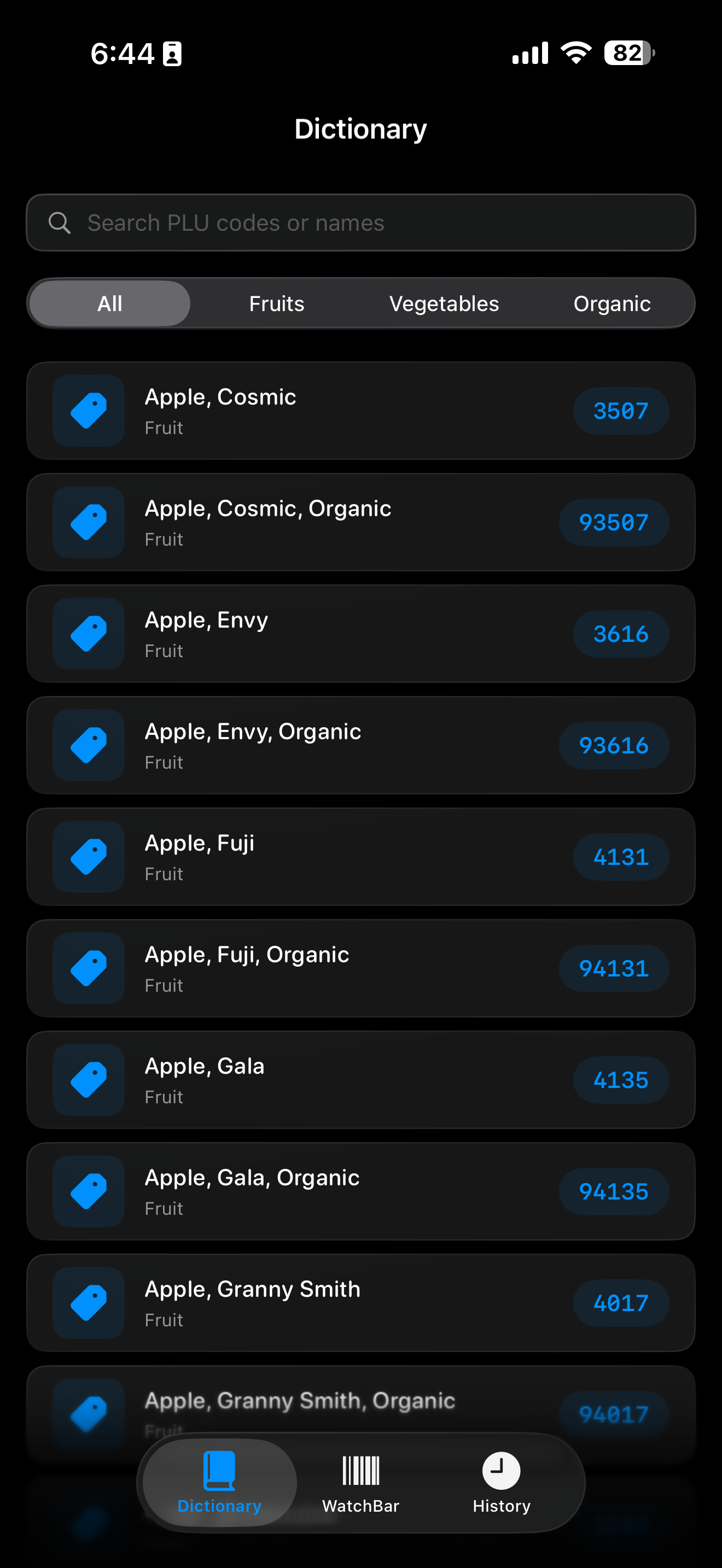
Built for cashiers, farm stands, and anyone who has ever fumbled a 4-digit code.
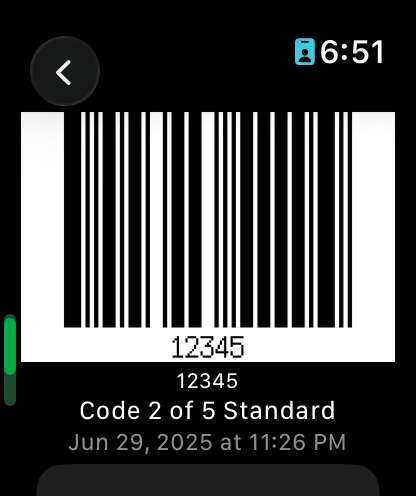
A real native app — not a mirror — with Handoff between devices.
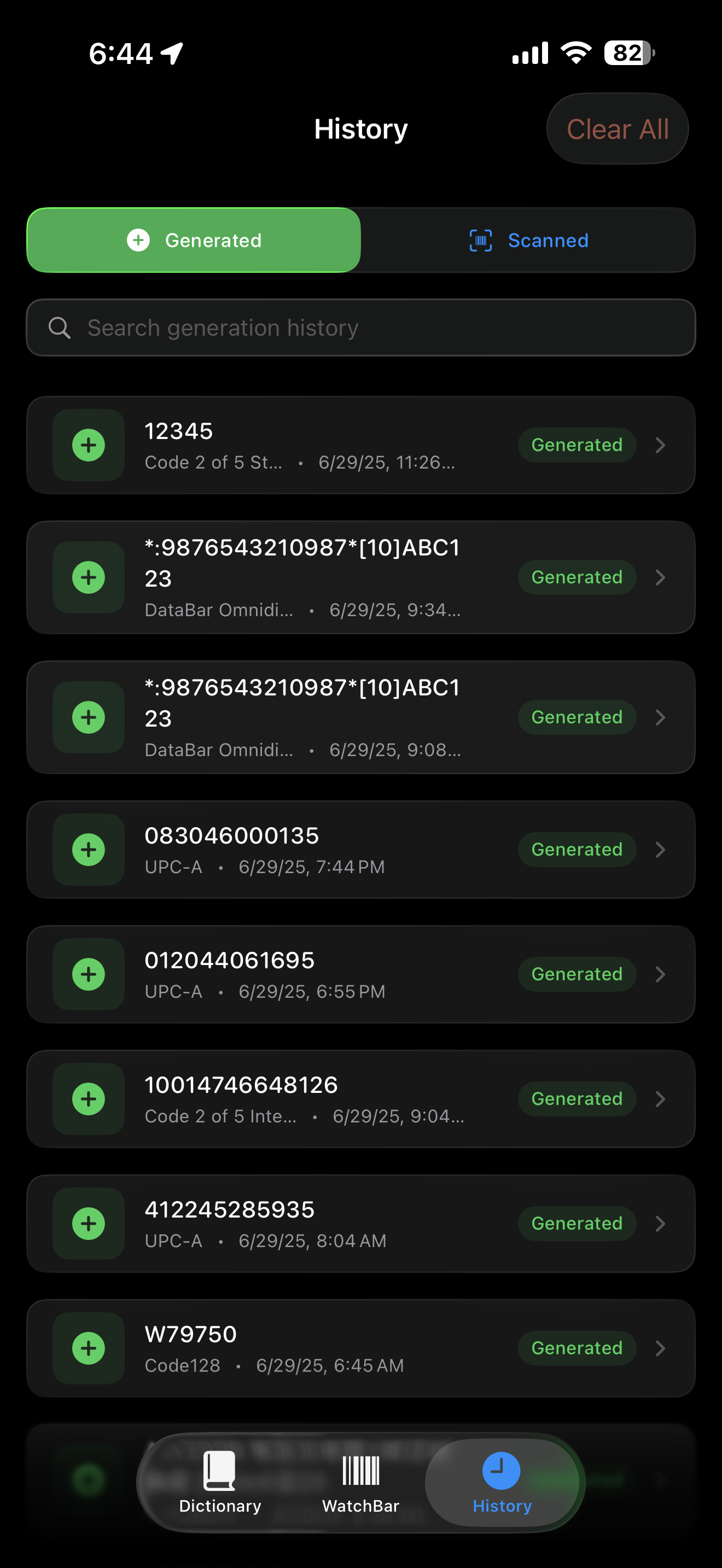
Structure hundreds of codes so the one you need is always a tap away.
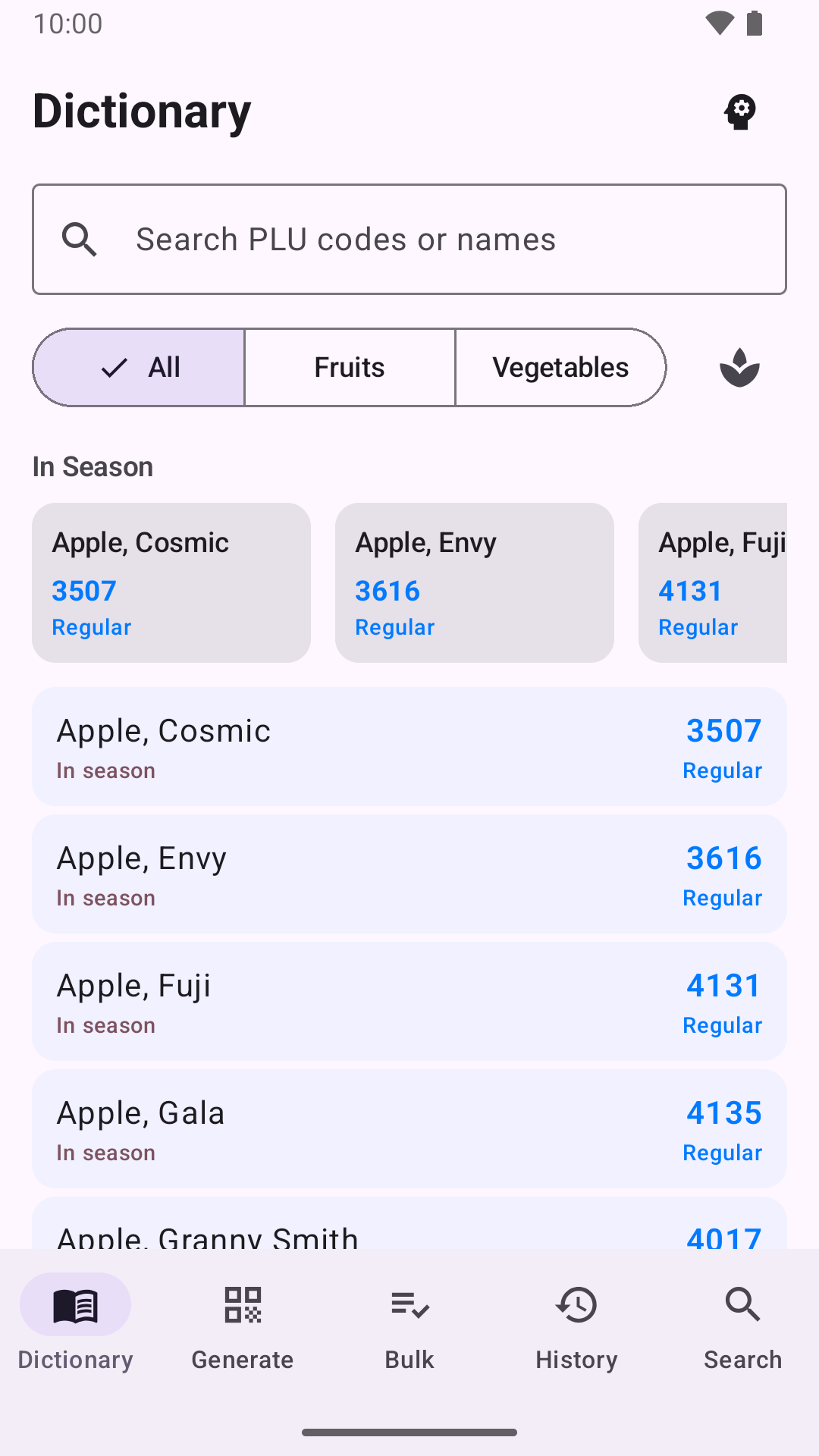
A native Kotlin app that shares its barcode engine with iOS — the same Zint and zxing-cpp under a Material 3 interface. Free, with no account.
Wear OS · Coming soonThe Wear OS companion is built but is not part of the first Google Play release — it follows in a later update.
Sync, security, automation, and system integration — the parts you feel every day.
On iPhone, iPad, and Apple Watch your library syncs through your own private iCloud — no WatchBar account, and you can switch it off anytime. On Android your data stays on the device, with Export and Import to move it.
Lock individual codes behind Face ID, Touch ID, or Android fingerprint and face unlock, so a sensitive membership or gate code stays private even on a shared device.
Home and lock screen widgets on both platforms, a StandBy QR-Time and barcode swiper on iPhone, and a clipboard generator in Control Center or Android Quick Settings.
Put WatchBar on your Apple Watch face — complications launch you straight into Saved, Library, or History. Wear OS tiles arrive with the Wear OS companion, coming soon.
Export your library as JSON, XML, plain text, or CSV whenever you want a backup or a move to another tool.
App Intents and Shortcuts on iOS, app shortcuts on Android, a watchbar:// URL scheme on both, and a system-wide “Generate Barcode” share action.
Turn any saved code into a clean, shareable card to send over Messages, Mail, or AirDrop.
Start on one device and pick up on another — hand a barcode you’re viewing between Apple Watch and iPhone.
The same toolkit on Android 8.0+ — Material 3, local-only storage, widgets and Quick Settings tiles. The Wear OS 3+ companion is coming soon.
Fully translated into English, German, Spanish, French, Japanese, Brazilian Portuguese, and Simplified Chinese.
Built for VoiceOver and Dynamic Type, so every screen scales and reads cleanly.
The barcodes WatchBar can generate, grouped by where you’ll reach for them.
One download. 60+ formats. iPhone, iPad, Apple Watch, and Android.


$0.99 one-time on the App Store · Free on Google Play · No subscriptions · No ads