Features

Everything WatchBar can do

One app to generate, scan, organize, automate, and glance at barcodes — on iPhone, iPad, and Apple Watch, and now on Android, with Wear OS coming soon. Here is the full tour, section by section.
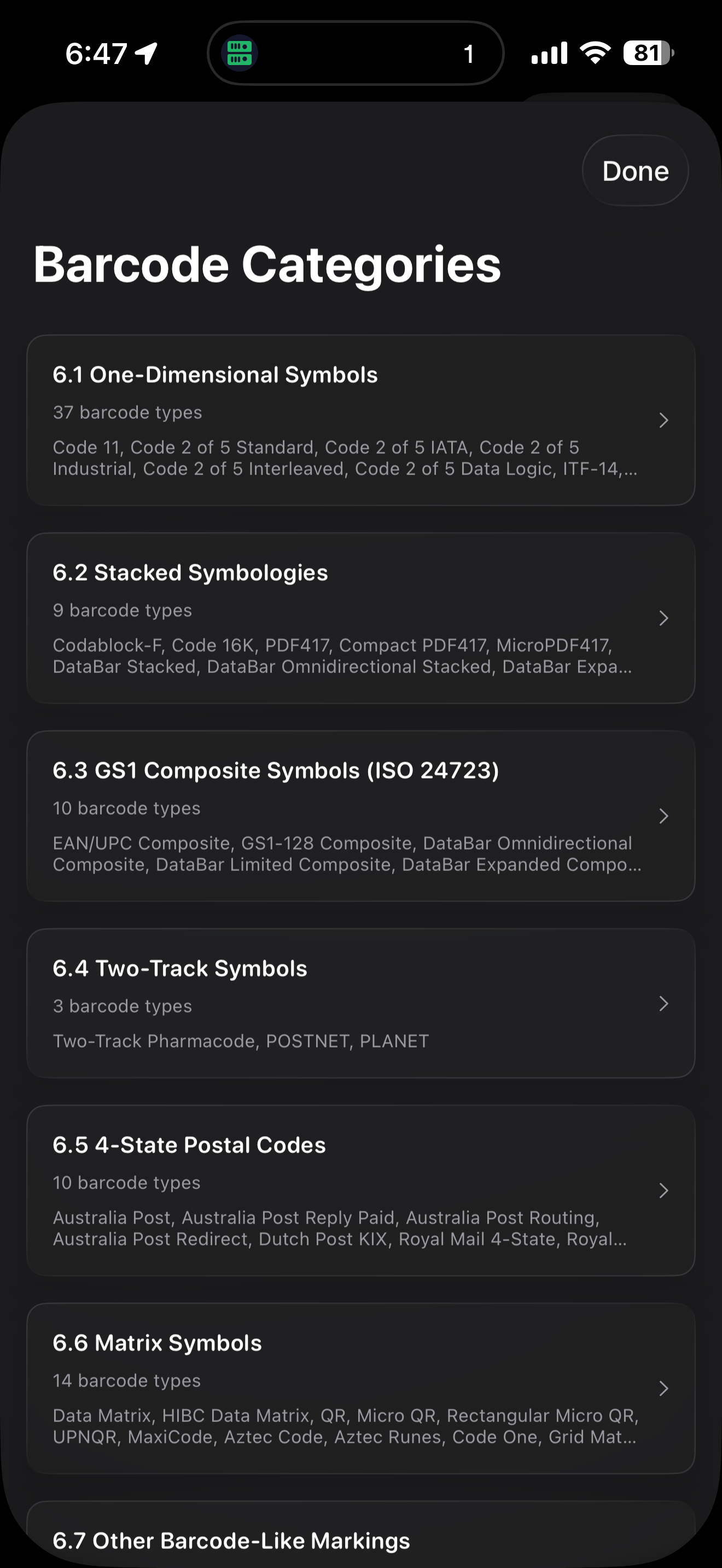
Browsing WatchBar's list of supported barcode formats on iPhone
Generate

Every format, without the encoding manual

Pick a format, fill in a form, and WatchBar builds the code — no syntax to memorize.
  • 60+ formats, from retail UPC and EAN to industrial Data Matrix and PDF417
  • Guided QR templates for Wi-Fi, contacts, calendar events, and email
  • Barcode templates for the tricky ones — PDF417, MaxiCode, and GS1 Composite
  • Auto-suggested names, bulk generation, and PDF printing
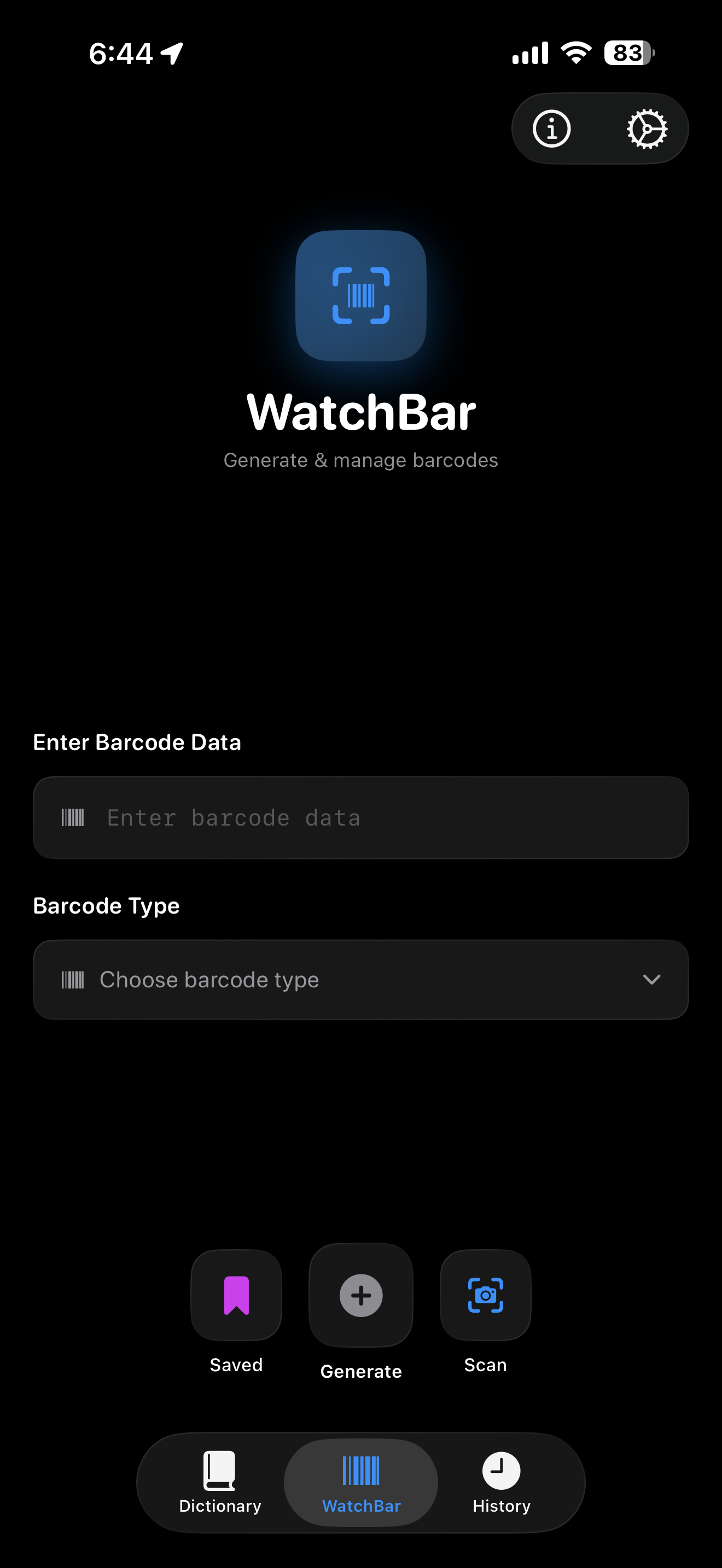
The WatchBar main interface on iPhone
Scan

A scanner that keeps up with you

Real-time recognition built on the zxing-cpp engine, with the controls a real scanning session needs.
  • Live camera scanning powered by zxing-cpp
  • Torch, pinch-to-zoom from 1.5× to 3×, and continuous auto-focus
  • Scan straight from a photo already in your library
  • Drive the iPhone camera as a remote scanner from your Apple Watch
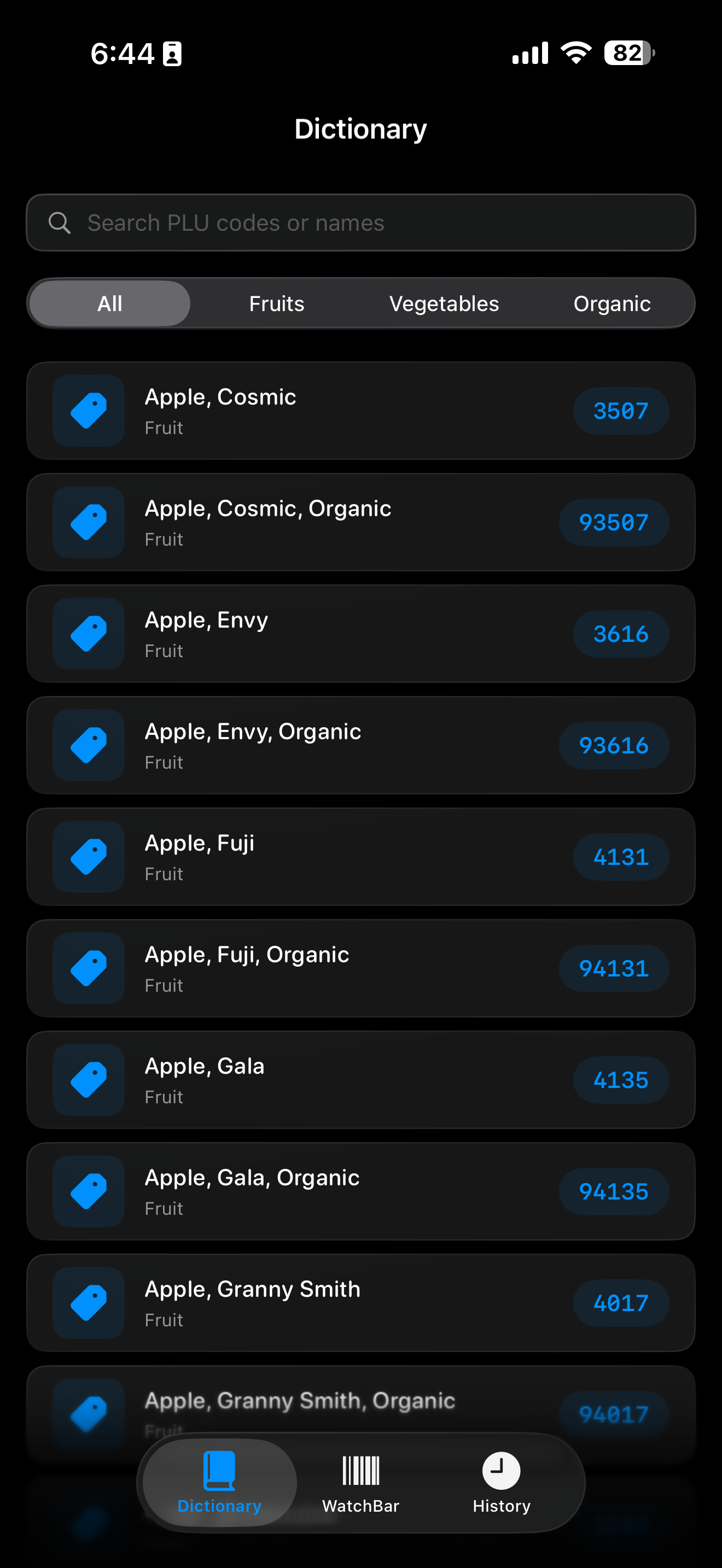
The PLU produce database in WatchBar on iPhone
PLU database

The produce desk in your pocket

Built for cashiers, farm stands, and anyone who has ever fumbled a 4-digit code.
  • 235 produce codes, searchable by name or number
  • Seasonal highlights and an inline organic / regular toggle
  • A PLU Quiz training mode with difficulties, scoring, and personal bests
  • One tap turns any PLU into a scannable GS1 DataBar
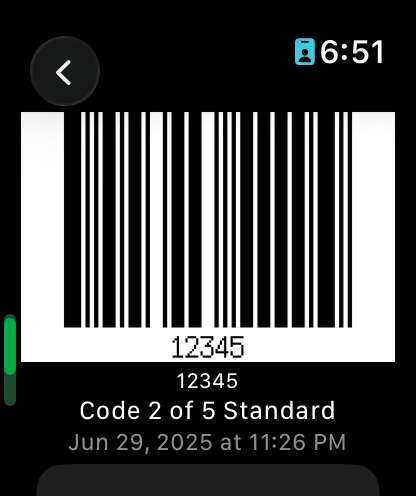
A saved barcode displayed on Apple Watch
Apple Watch

On your wrist, always in sync

A real native app — not a mirror — with Handoff between devices.
  • Generate and display any saved code straight from the Watch
  • Handoff a barcode you’re viewing between Watch and iPhone
  • Complications launch you into Saved, Library, or History
  • Browse the full PLU database without reaching for your phone
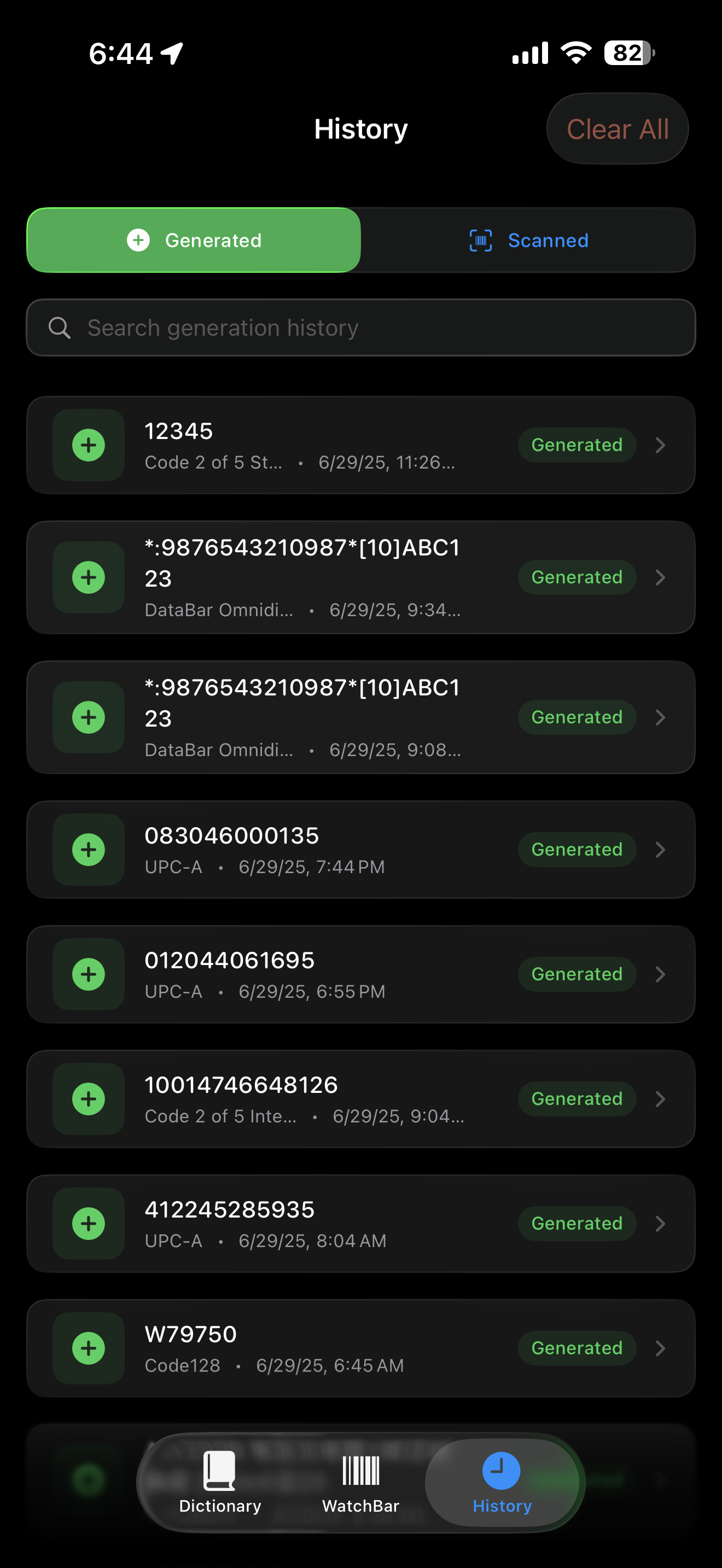
Browsing saved codes and scan history in WatchBar on iPhone
Organize

A library that stays tidy as it grows

Structure hundreds of codes so the one you need is always a tap away.
  • Nested folders, notes, and favorites for a large collection
  • Biometric-locked codes, Focus filters, and duplicate detection
  • A Map with Nearby to resurface codes tied to a place
  • A 30-day Recently Deleted, so nothing disappears by accident
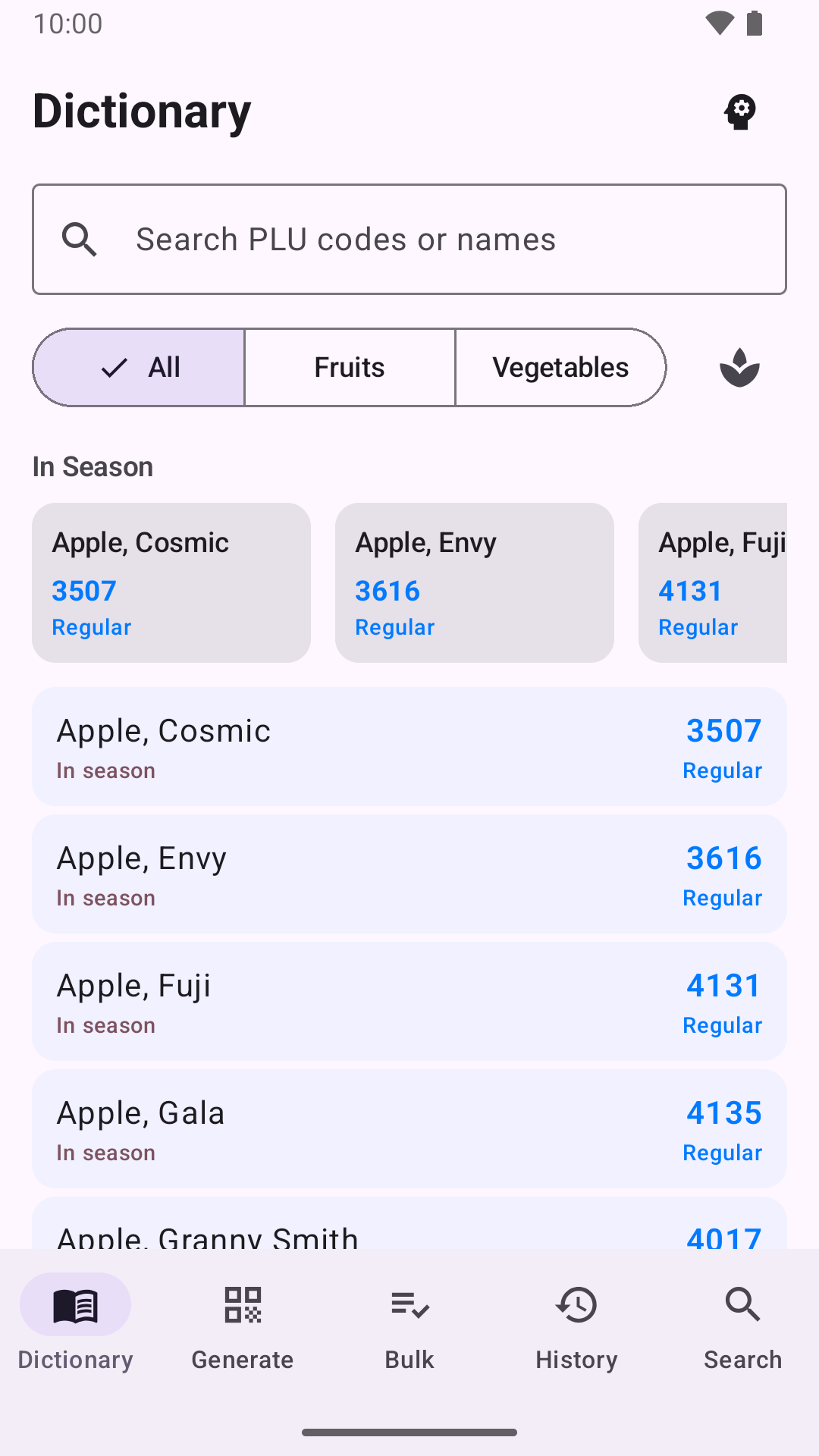
The PLU produce dictionary in WatchBar for Android, with in-season highlights
Android · free on Google Play

Built for Android, not ported to it

A native Kotlin app that shares its barcode engine with iOS — the same Zint and zxing-cpp under a Material 3 interface. Free, with no account.

  • Every format, the PLU dictionary with quiz, bulk generation, and searchable history
  • Widgets, Quick Settings tiles, app shortcuts, and “Generate Barcode” from any share sheet
  • No cloud and no account: everything stays on your phone unless you export it
  • Coming soon: a Wear OS companion with tiles, your saved library, and a remote scanner for the phone camera

Wear OS · Coming soonThe Wear OS companion is built but is not part of the first Google Play release — it follows in a later update.

Advanced capabilities

The details that make it a precision tool

Sync, security, automation, and system integration — the parts you feel every day.

Private iCloud sync

On iPhone, iPad, and Apple Watch your library syncs through your own private iCloud — no WatchBar account, and you can switch it off anytime. On Android your data stays on the device, with Export and Import to move it.

Biometric lock

Lock individual codes behind Face ID, Touch ID, or Android fingerprint and face unlock, so a sensitive membership or gate code stays private even on a shared device.

New

Widgets, StandBy & tiles

Home and lock screen widgets on both platforms, a StandBy QR-Time and barcode swiper on iPhone, and a clipboard generator in Control Center or Android Quick Settings.

Watch complications

Put WatchBar on your Apple Watch face — complications launch you straight into Saved, Library, or History. Wear OS tiles arrive with the Wear OS companion, coming soon.

Data export

Export your library as JSON, XML, plain text, or CSV whenever you want a backup or a move to another tool.

New

Deep automation

App Intents and Shortcuts on iOS, app shortcuts on Android, a watchbar:// URL scheme on both, and a system-wide “Generate Barcode” share action.

QR Share Card

Turn any saved code into a clean, shareable card to send over Messages, Mail, or AirDrop.

Handoff

Start on one device and pick up on another — hand a barcode you’re viewing between Apple Watch and iPhone.

New

Android, free on Google Play

The same toolkit on Android 8.0+ — Material 3, local-only storage, widgets and Quick Settings tiles. The Wear OS 3+ companion is coming soon.

7-language localization

Fully translated into English, German, Spanish, French, Japanese, Brazilian Portuguese, and Simplified Chinese.

Full accessibility

Built for VoiceOver and Dynamic Type, so every screen scales and reads cleanly.

Supported formats

60+ formats and counting

The barcodes WatchBar can generate, grouped by where you’ll reach for them.

Consumer & Retail

UPC-AUPC-EEAN-13EAN-8EAN-14QR CodeMicro QRCode 128Code 39Code 25CodabarITF-14Interleaved 2 of 5GS1 DataBarDataBar Expanded StackedPLU (produce)

Professional & Enterprise

PDF417Compact PDF417Micro PDF417Data MatrixAztecAztec RunesMaxiCodeGS1 CompositeGrid MatrixHan XinDotCodeCode OneUltracodeCode 16KCode 49Codablock-FChannel Code

Postal & Shipping

POSTNETPLANETUSPS Intelligent MailRM4SCC (Royal Mail)KIXAustralia PostDeutsche PostJapan PostKorea PostMailmarkDPDNVE-18 (SSCC)FIM

Specialized

HIBCPharmacodeTwo-Track PharmacodePlesseyTelepenFlattermarkenUPNQR

The last barcode app you’ll need

One download. 60+ formats. iPhone, iPad, Apple Watch, and Android.

$0.99 one-time on the App Store · Free on Google Play · No subscriptions · No ads